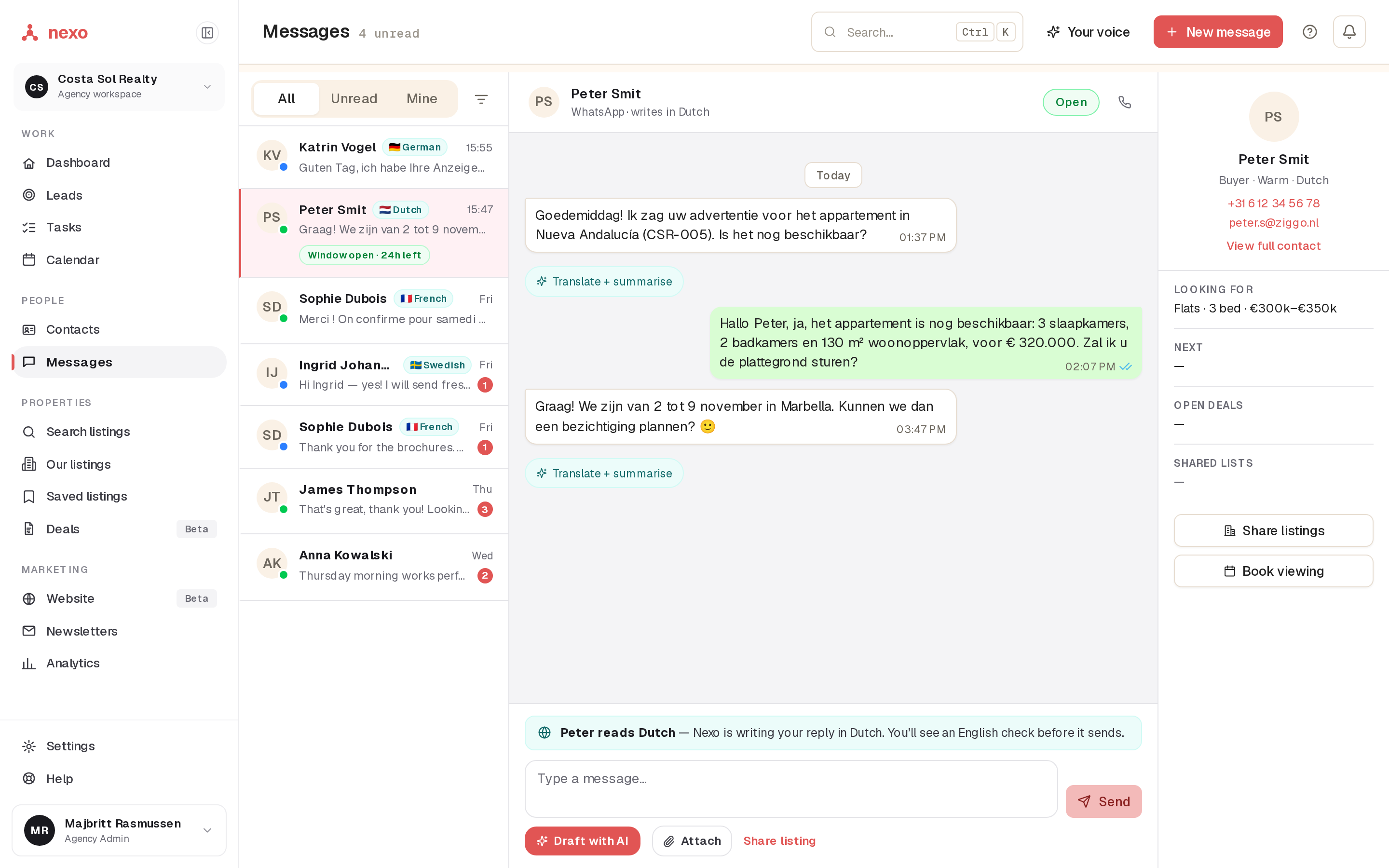
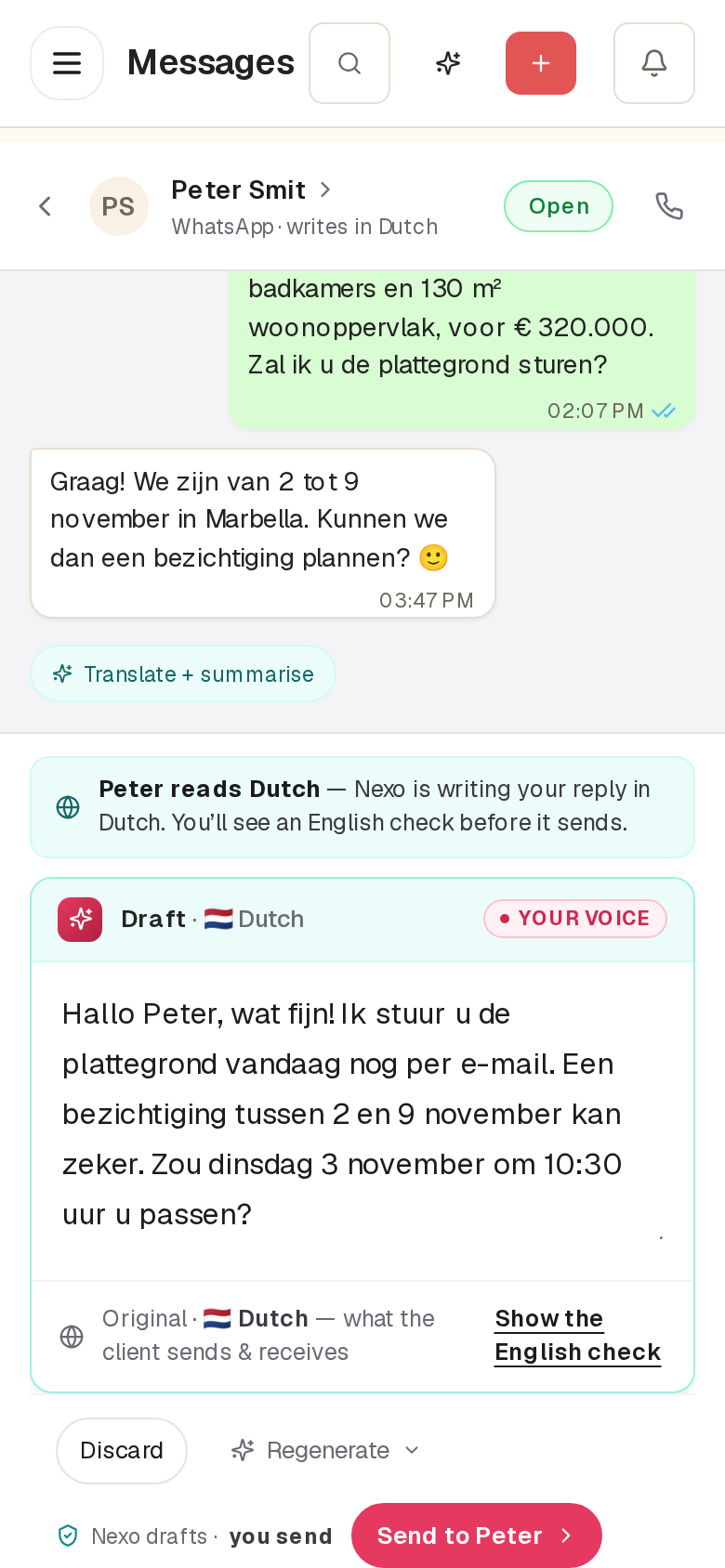
WhatsApp, email and Messenger. One inbox.
Connect your agency's WhatsApp Business number once. Every buyer's chats, emails and Messenger threads land on their record, where the whole team can see them.
Confirmations and reminders send themselves.
Book a viewing in nexo and the buyer gets a WhatsApp confirmation, then a reminder before the day. One switch turns it on or off.
Three steps. Nothing to copy or paste.
Open Channels
In nexo, Settings › Channels & Integrations, then Connect WhatsApp on the WhatsApp card.
Log in with Meta
Pick or create your WhatsApp Business account and number in Meta's own window.
Done
The card says Connected. New chats arrive in Messages from then on.
What WhatsApp allows, honestly.
These come from WhatsApp, not from nexo. Every business tool lives with them.
Templates are approved in Meta. nexo fetches them, and you fill in the details.
The inbox shows Window open or Window closed, so you always know.
nexo stops every message to them, automatically.
Bring your WhatsApp. Keep your number.
A 30-minute call. We look at how your team answers buyers today, and what one inbox would change.
 You'll talk to me, Jeppe.I reply within one working day, in your
language.
You'll talk to me, Jeppe.I reply within one working day, in your
language.